
Best New Apps in 2026: The Complete Guide to Fresh Tools That Actually Matter
Every year the app stores fill with thousands of new titles. Most disappear within weeks. A smaller group changes how people work, learn, create, and stay healthy. This long guide walks through the most important new and newly matured applications in 2026, with practical context, real use cases, and clear language so you can decide what is worth installing on your phone or computer.
Why 2026 Feels Different for Mobile and Desktop Apps
Market maturity changed buyer psychology. After years of free products monetized through attention, many people now accept paid plans for calm software that does not fight them. That shift rewards developers who charge honestly and punishes products that rely only on addictive loops.
Hardware also changed the baseline. Mid range phones gained enough memory and neural processing capability to run useful on device features. This reduced the need to send every keystroke to a distant server. Battery life remains a constraint, so efficient design still separates quality apps from careless ones.
Regulation and store policy tightened disclosure around subscriptions and data use in several major markets. Perfect compliance is not universal, yet the direction favors clearer screens and easier cancellation. Users should still verify with their own eyes because enforcement varies.
The last few years trained users to expect more from software. People no longer want another social feed that wastes an evening. They want tools that save time, reduce friction, or open a skill they could not reach before. Developers responded by building thinner, smarter products that lean on on device processing and cloud models without forcing every action through a confusing dashboard.
Three forces shaped the new wave of apps. First, generative models became cheaper and faster, so smaller teams could ship intelligent features without the budget of a giant tech firm. Second, app stores raised quality bars around privacy labels, subscription clarity, and performance on older devices. Third, users became more selective after years of subscription fatigue. An app that cannot explain its value in one sentence rarely survives word of mouth.
This guide focuses on applications that either launched recently or reached a stable, useful version that changed how people use them day to day. It is not a ranking of the most downloaded games. It is a practical map of tools that solve real problems for students, freelancers, remote workers, creators, and anyone who wants their phone to do more than scroll.
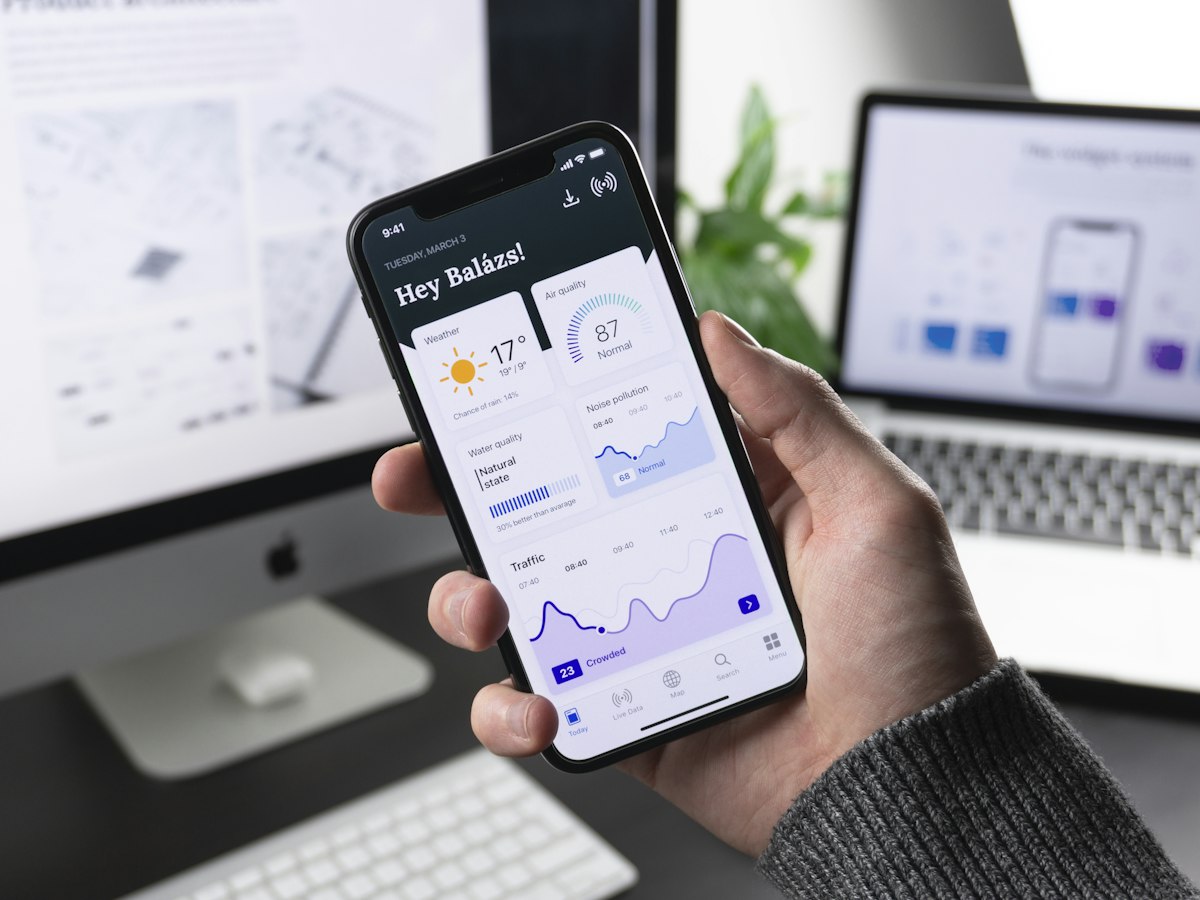
Modern phones now run focused tools that replace several older single purpose apps.
Artificial Intelligence Apps That Moved From Novelty to Daily Habit
Artificial intelligence stopped being a demo and became a layer inside ordinary work. The best new AI apps in 2026 do not shout about algorithms. They hide the complexity and deliver a clear result such as a cleaned document, a summarized meeting, a translated conversation, or a draft that the user can edit with pride.
Writing and research companions
New writing assistants in 2026 improved in one critical way. They keep the user voice instead of flattening every sentence into the same corporate tone. Serious users feed the tool a few sample paragraphs, then ask for outlines, counter arguments, or simpler versions of dense text. Students use them to turn lecture notes into study guides. Professionals use them to shorten long emails without sounding rude.
Research oriented apps now connect to public sources with clearer citations. Instead of inventing references, stronger tools point to links the reader can open. That change matters for trust. Anyone who used early chatbots remembers confident answers that were simply wrong. The better 2026 products slow down when evidence is thin and invite the user to verify.
For people who write in more than one language, bilingual drafting tools became more reliable. They no longer translate word by word. They rebuild the meaning for the target language, which is essential for marketing copy, support replies, and academic abstracts.
Meeting and voice tools
Meeting recorders that once produced messy transcripts now deliver structured notes with action items and decisions separated from small talk. Some work fully on device for sensitive workplaces. Others process in the cloud with enterprise controls. The practical win is simple. After a one hour call, you leave with a short list of owners and deadlines instead of a wall of text.
Voice note apps also matured. You can speak a rough idea while walking, then receive a cleaned paragraph ready to paste into a project brief. This helps people who think out loud faster than they type. It also helps accessibility for users who prefer speech over keyboards.
AI features work best when they stay quiet and useful rather than flashy.
Image and design assistants
Image generation moved into everyday design workflows. Small businesses create product mockups without hiring a full studio for early drafts. Teachers create simple diagrams for slides. Social media managers test visual ideas before a photoshoot. The important ethical and legal point remains. Users should avoid copying living artists in name or style when a platform forbids it, and they should not present synthetic images as documentary photos in news contexts.
Editing apps that combine automatic background removal, light correction, and object cleanup became fast enough for mobile. A marketplace seller can photograph an item on a messy table and publish a cleaner listing in minutes. That kind of practical gain explains why these tools stick.
Productivity Apps Built for Focus Instead of Feature Overload
Classic productivity suites still dominate large organizations. Around them, a new class of smaller apps aims at one job done well. The winners in 2026 share a pattern. They open quickly, sync reliably, and avoid trapping the user in a maze of settings.
Task and project clarity
Task apps that treat every item as equal create noise. Newer planners let you mark a small set of daily priorities and park the rest without guilt. Some add gentle time blocks so a calendar and a to do list stop fighting each other. Freelancers benefit because client work, admin, and personal errands can live in one place with different tags rather than three disconnected systems.
Team oriented boards improved guest access. A client can see progress without needing a full license or a long tutorial. That lowers friction for agencies and consultants who collaborate across companies.
Notes that connect ideas
Note apps shifted from storage to thinking. Linked notes help students connect a history lecture with an economics concept without copying the same paragraph twice. Local first options appeal to people who want offline access and stronger control over files. Cloud first options appeal to people who switch between phone, tablet, and laptop all day.
Handwriting support on tablets improved recognition enough that lecture notes can later be searched as text. That single feature saves hours during exam weeks.
Calendar and email hygiene
Inbox tools in 2026 focus on triage. They group newsletters, flag real people, and suggest short replies you can edit. The goal is not to automate relationships. The goal is to protect attention so important messages are not buried under promotions.
Scheduling assistants reduce the back and forth of finding a meeting time across time zones. When they work, they feel invisible. When they fail, users abandon them quickly. Reliability and permission clarity decide which products survive.
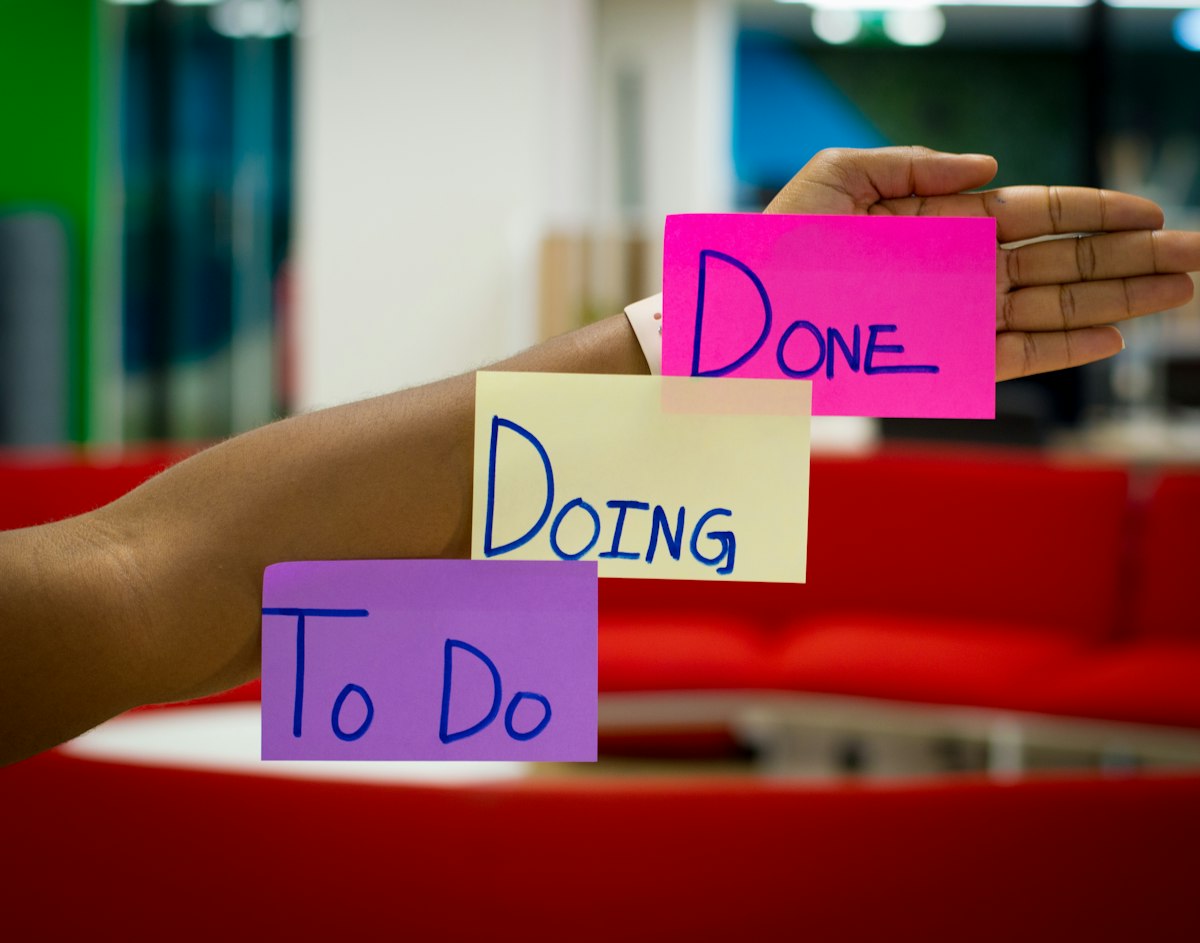
The best productivity tools reduce decisions instead of adding dashboards.
Creative Apps for Video, Audio, and Everyday Design
Creators no longer need a heavy desktop setup for every project. Mobile and lightweight desktop apps cover drafting, basic color work, captions, and publishing. Professionals still rely on deep tools for final delivery, yet the early stages moved into faster portable software.
Short video and caption workflows
Captioning apps improved accuracy for clearer speech and began handling more languages with fewer embarrassing errors. Auto layout for vertical video helps small teams post consistently without a motion designer on every clip. Templates are useful when they are starting points, not cages. The creators who stand out still customize pacing and tone.
Stock media libraries inside editors raised quality, but licensing remains the user responsibility. Always check whether a clip allows commercial use before a client campaign goes live.
Music and podcast starters
Audio apps for beginners removed much of the fear around recording. Noise reduction, simple leveling, and one tap export mean a teacher can publish a weekly audio note for a class without learning a full digital audio workstation. Podcasters still outgrow starter apps, yet many shows begin on lightweight tools and migrate later.
Beat and loop apps give hobby musicians a sketchpad. The valuable habit is finishing small ideas instead of collecting endless unfinished projects.
Photo storytelling
Photo apps that help sequence a story rather than apply the same filter to every frame encourage better visual communication. Travel journals, field reports, and small business showcases benefit from order and captions more than from extreme effects.
Health, Fitness, and Mental Clarity Applications
Health apps face a higher duty of care. The responsible products in 2026 speak carefully. They do not claim to diagnose disease. They support habits, logging, and education, and they remind users to seek qualified medical advice for symptoms and treatment.
Movement and recovery
Fitness apps shifted toward sustainable routines. Instead of shaming streaks, stronger designs offer shorter sessions, recovery days, and form guidance through clearer video demonstration. Wearable sync improved so sleep and workout data inform the next suggestion without overwhelming the home screen.
People returning from injury appreciate programs that ask about limitations. Generic plans that ignore knees or backs cause harm. Look for apps that let you swap exercises and adjust intensity honestly.
Nutrition logging without obsession
Food logging tools added faster barcode and photo assisted entry. The healthier product culture emphasizes patterns over perfection. Constant calorie anxiety helps almost no one. Apps that highlight protein, fiber, hydration, and meal timing in plain language tend to support better long term behavior.
Focus and mental rest
Focus timers remain popular because they are simple. Newer versions combine ambient sound, blocked distraction lists, and gentle end of session reviews. Meditation and breathing apps work best when sessions are short enough to fit real schedules. A five minute practice that happens beats a thirty minute plan that never starts.
Sleep apps that reduce evening screen stimulation and guide wind down routines can help, especially when paired with consistent bedtimes. They are tools, not magic.
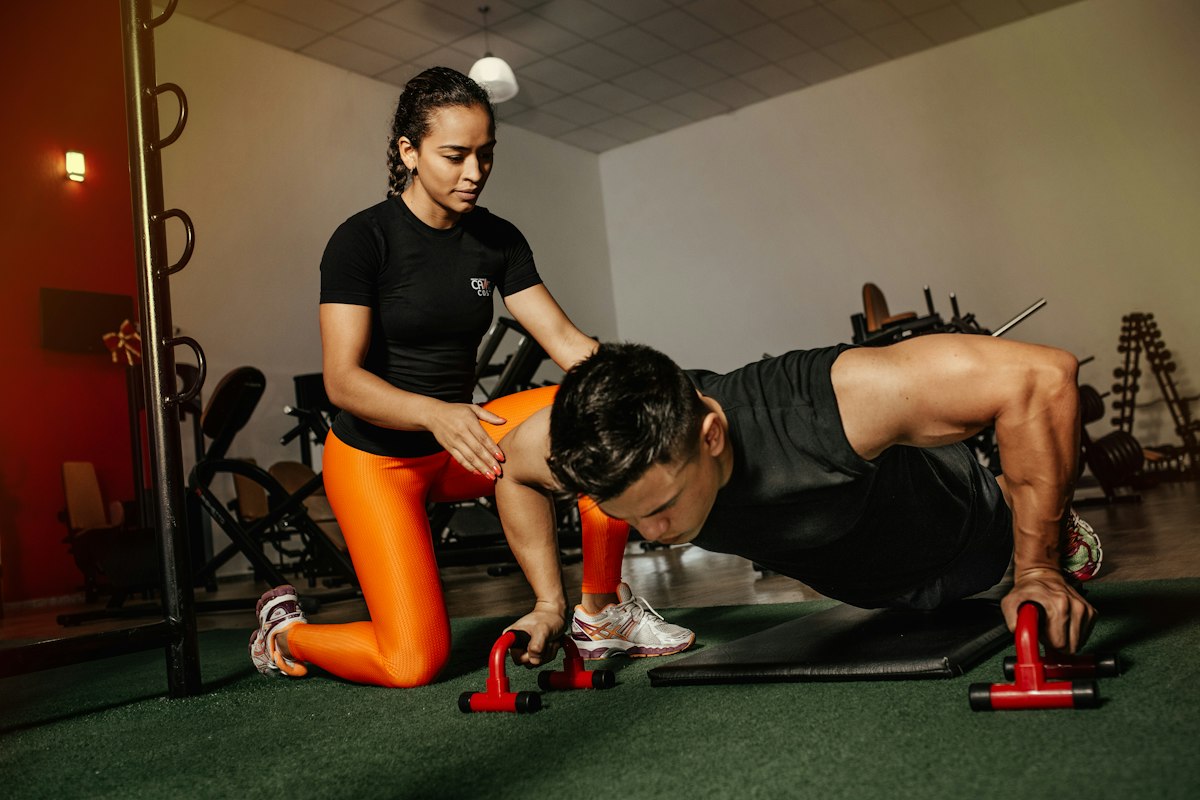
Health related apps should support habits and never replace professional care.
Learning and Education Apps Worth Real Time
Education technology works when it respects how memory forms. Spaced repetition, active recall, and short practice sessions outperform passive video bingeing. The stronger learning apps of 2026 build those principles into the interface.
Language learning
Language apps improved conversation practice with speech feedback that feels less robotic. They still cannot replace human interaction, yet they prepare learners for real dialogue. Culture notes and practical phrases for travel or work increase motivation compared with abstract grammar only paths.
Professional skills
Micro courses for spreadsheets, design basics, coding foundations, and communication skills help workers adapt without quitting their jobs for a full degree. The useful products include projects you can show, not only multiple choice quizzes. Certificates matter less than a portfolio sample.
Student study systems
Flashcard apps with shared decks remain a backbone of exam prep. Newer study planners connect syllabus dates with weekly targets so motivation is tied to a calendar rather than vague ambition. Parental dashboards for younger learners should prioritize privacy and minimize data collection.
Privacy, Security, and Digital Wellbeing Tools
As phones hold more of life, privacy utilities became mainstream. Password managers, encrypted notes, permission auditors, and tracker blockers are no longer only for experts.
A good password manager reduces reuse of weak passwords across sites. Turn on multi factor authentication where possible. Virtual private networks can help on public Wi Fi, though they are not a full anonymity solution and marketing claims sometimes exaggerate.
Digital wellbeing dashboards that show time spent by app category help users make intentional choices. The point is not to eliminate entertainment. The point is to notice when a free evening disappeared without enjoyment.
Permission managers highlight which apps access location, microphone, and photos. Removing access that is not needed is one of the highest value five minute tasks a user can do.
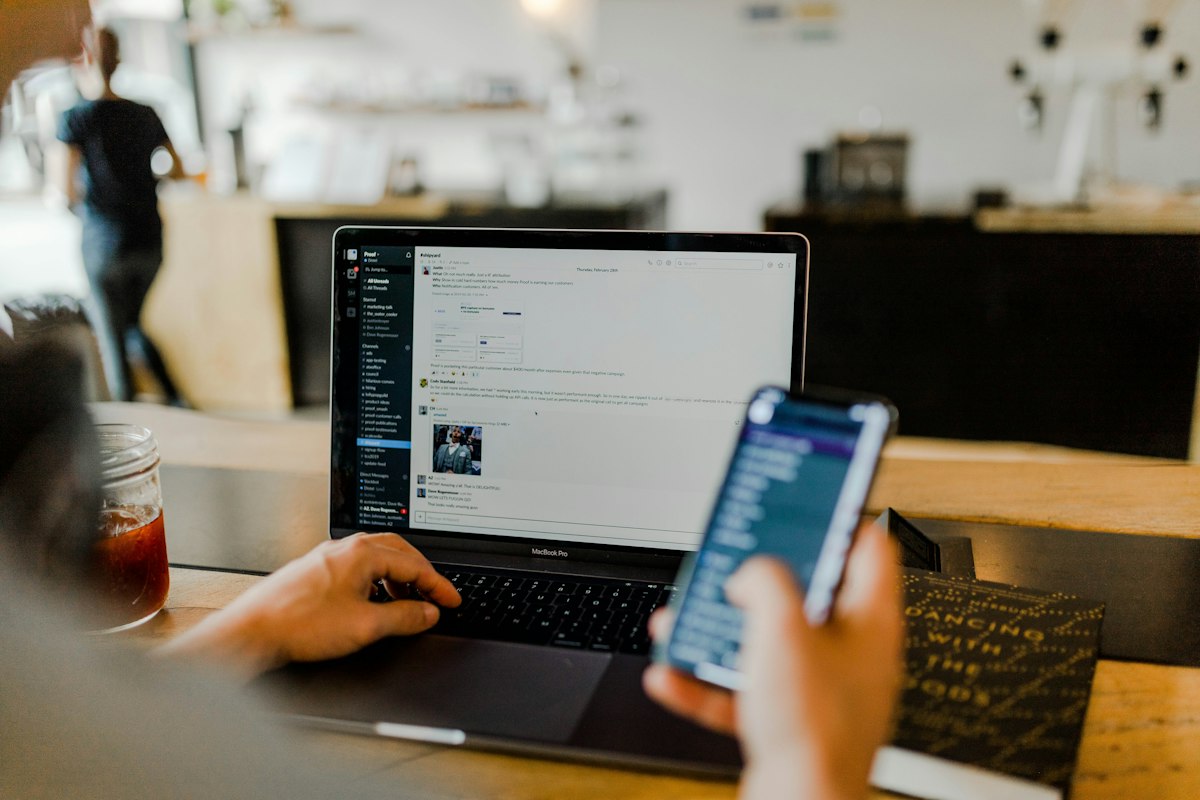
Security tools work best as calm daily habits rather than fear driven installs.
Finance and Everyday Life Organization
Personal finance apps in 2026 emphasize clarity. Connection to bank data where regulation allows can automate categorization, yet users should grant the minimum access required and read the privacy policy. Local first budgeting spreadsheets still serve people who prefer not to link accounts.
Expense split apps remove awkward math after group travel. Subscription trackers list recurring charges so forgotten trials do not silently renew. Those two categories save real money with almost no learning curve.
Home management apps for shared chores, shopping lists, and maintenance schedules reduce household friction. Simple shared lists beat complex systems that nobody updates.
How to Choose New Apps Without Wasting Money or Attention
Install fewer tools. Give each one a clear job. If two apps solve the same problem, keep the one you open without thinking and delete the other after exporting your data.
Read the permission list during install. An app that demands contacts and location for a flashlight style utility is a red flag. Prefer products with transparent pricing. A limited free tier with honest limits is better than a hidden trial that converts into a hard to cancel subscription.
Check recent reviews for crash reports after major operating system updates. Look for offline modes if you travel or study in places with weak connectivity. For work documents, confirm export formats so you are never trapped.
Avoid any application that promises guaranteed income, miracle health cures, or investment returns. Those claims are classic warning signs and can also create problems for publishers and platforms that host related content.
Desktop and Cross Platform Trends
Many of the best experiences in 2026 are cross platform. A note started on a phone appears on a laptop minutes later. Progressive web apps and lightweight desktop clients reduce the need for heavy installations. Still, native apps often win on camera access, battery efficiency, and offline reliability.
Keyboard driven desktop tools reward users who spend hours writing or coding. Mobile tools reward speed of capture. The healthiest setup uses each device for what it does well instead of forcing one app to behave the same way everywhere.
For Developers and Small Teams Shipping in 2026
If you build apps, the market rewards narrow excellence. Solve one painful problem completely. Invest in onboarding that takes under a minute. Measure retention after day seven, not only download spikes from a launch post.
Accessibility is not optional. Larger text support, captions, screen reader labels, and color contrast expand your audience and improve quality for everyone. Privacy by design reduces future legal and trust costs.
Localization opens markets, but only when cultural details and payment methods are respected. A careful release in fewer languages can outperform a shallow translation into many.
What to Expect Through the Rest of 2026
Expect tighter integration between operating system assistants and third party apps, with user controlled permissions deciding how much context is shared. Expect more on device models for sensitive tasks such as personal journaling and health logging. Expect regulators to keep pushing for clearer subscription cancellation and child protection defaults.
Users will continue to abandon products that interrupt with aggressive upsells. Calm software will win more loyalty than loud software. The apps that remain on the home screen will be the ones that respect time.
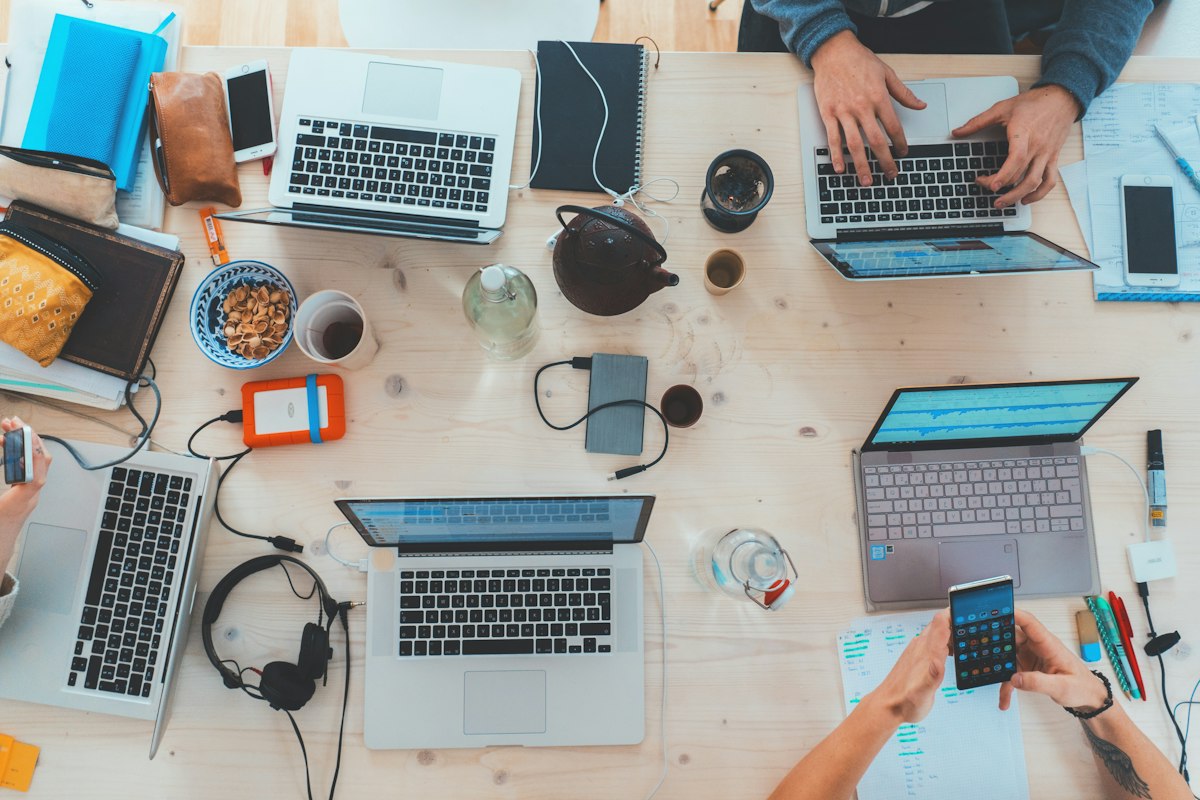
Useful technology supports human goals. It should not become the goal itself.
Practical Starter Stack for Most People
A simple stack covers most needs without chaos. One password manager. One notes app that syncs. One calendar. One focused task list. One learning app tied to a real goal. One health habit tracker if it helps and does not cause stress. Optional creative tools only when you have a project, not as permanent icons that induce guilt.
Review the stack every three months. Delete what you have not opened. That ritual alone keeps digital life lighter.
Final Thoughts
New apps arrive every week. Attention does not. The smart approach for 2026 is selective curiosity. Try tools that map to a concrete problem in your work, studies, health, or creative practice. Keep the ones that become quiet habits. Ignore the rest even if they trend for a moment.
Across artificial intelligence assistants, productivity systems, creative suites, health supporters, learning platforms, and privacy utilities, the winners share respect for the user. They explain pricing. They limit permissions. They allow export. They work when the network is weak. They improve a measurable task. Hold every new icon to that standard and your digital life will stay lighter than the charts suggest is possible.
WORLD NWS published this long guide so readers can move from confusion to a plan. Use it as a reference, not as pressure to act on everything today. One intentional decision beats twenty hurried installs.
Install intentionally. Update regularly. Protect your data. And remember that the best technology still depends on human judgment.
Comments